How IEP Verify Works
From supporting evidence to a focused IEP review.
Follow the workflow below to upload an IEP, provide the supporting evidence, confirm the extracted documentation, run the audit, and review the findings.
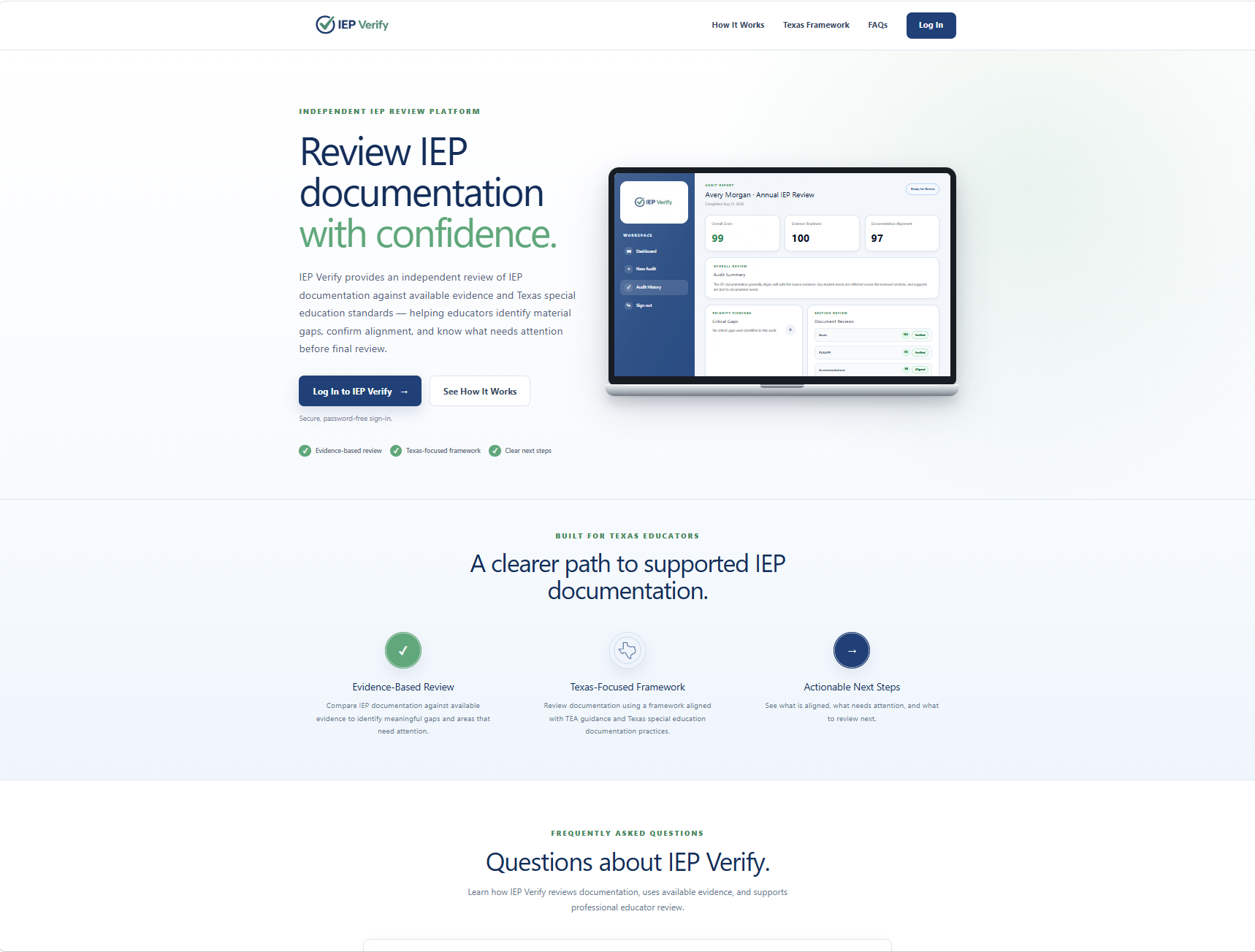
Secure Access
Sign in to IEP Verify
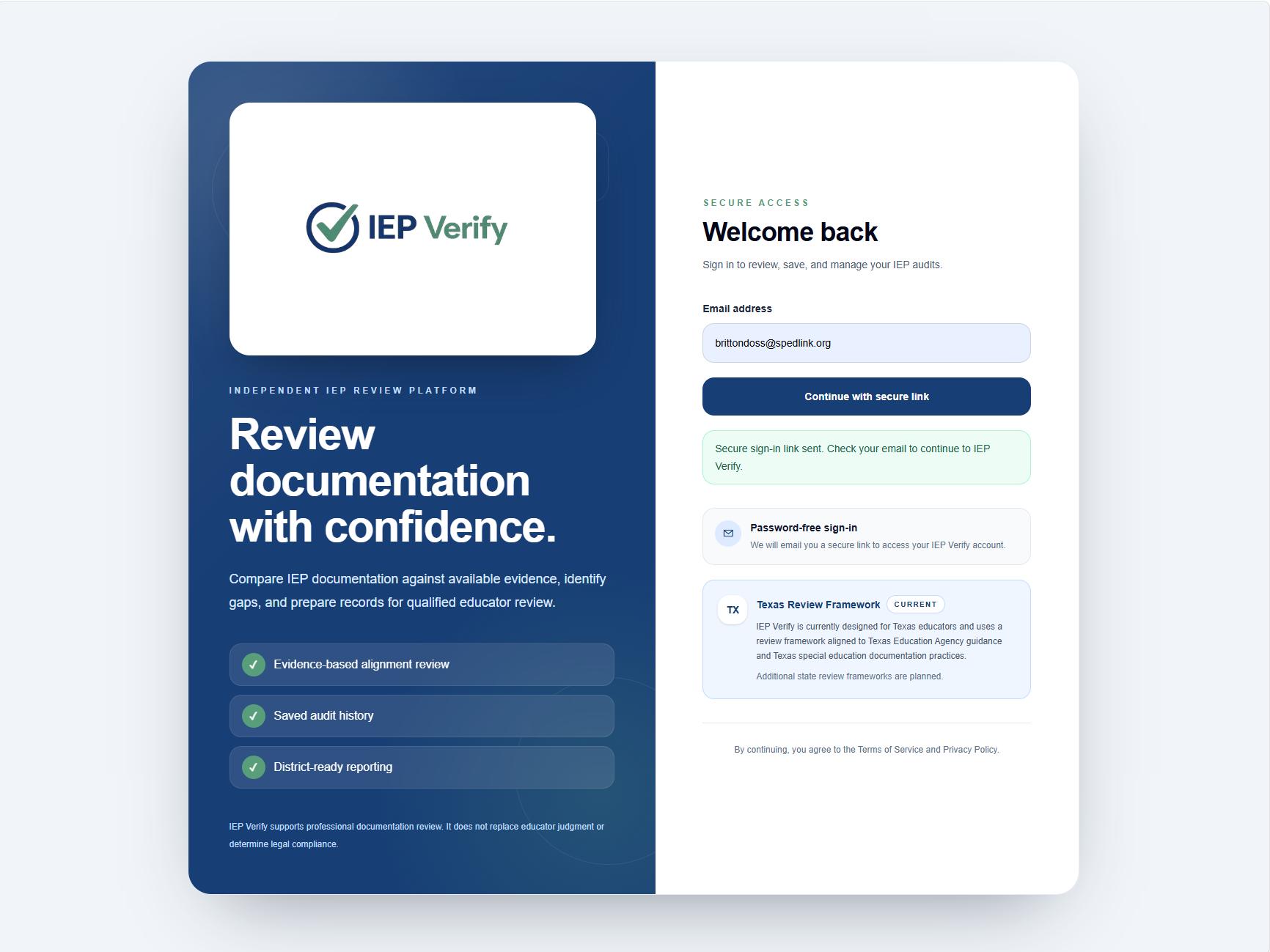
Begin Your Review
Start a new audit
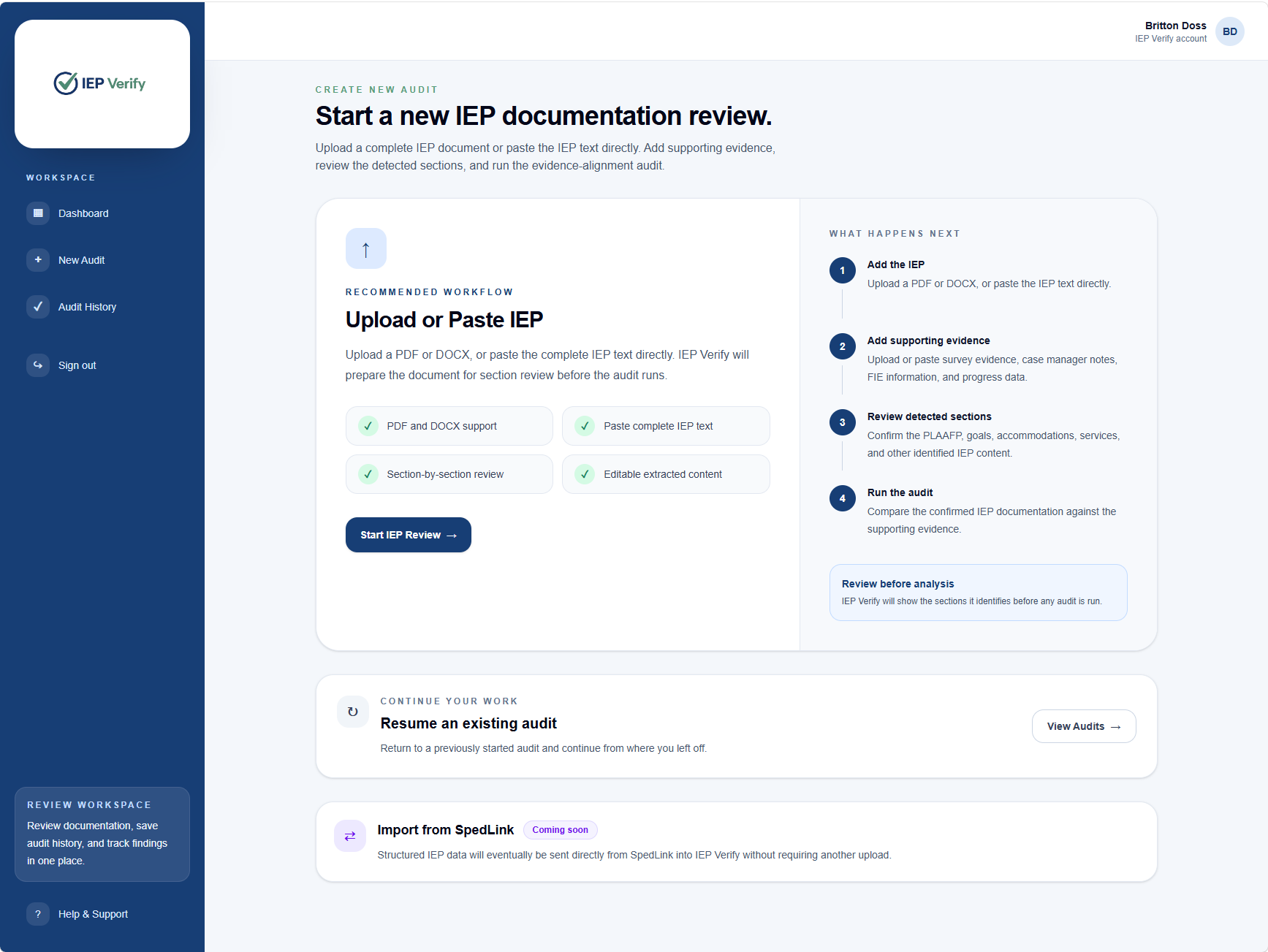
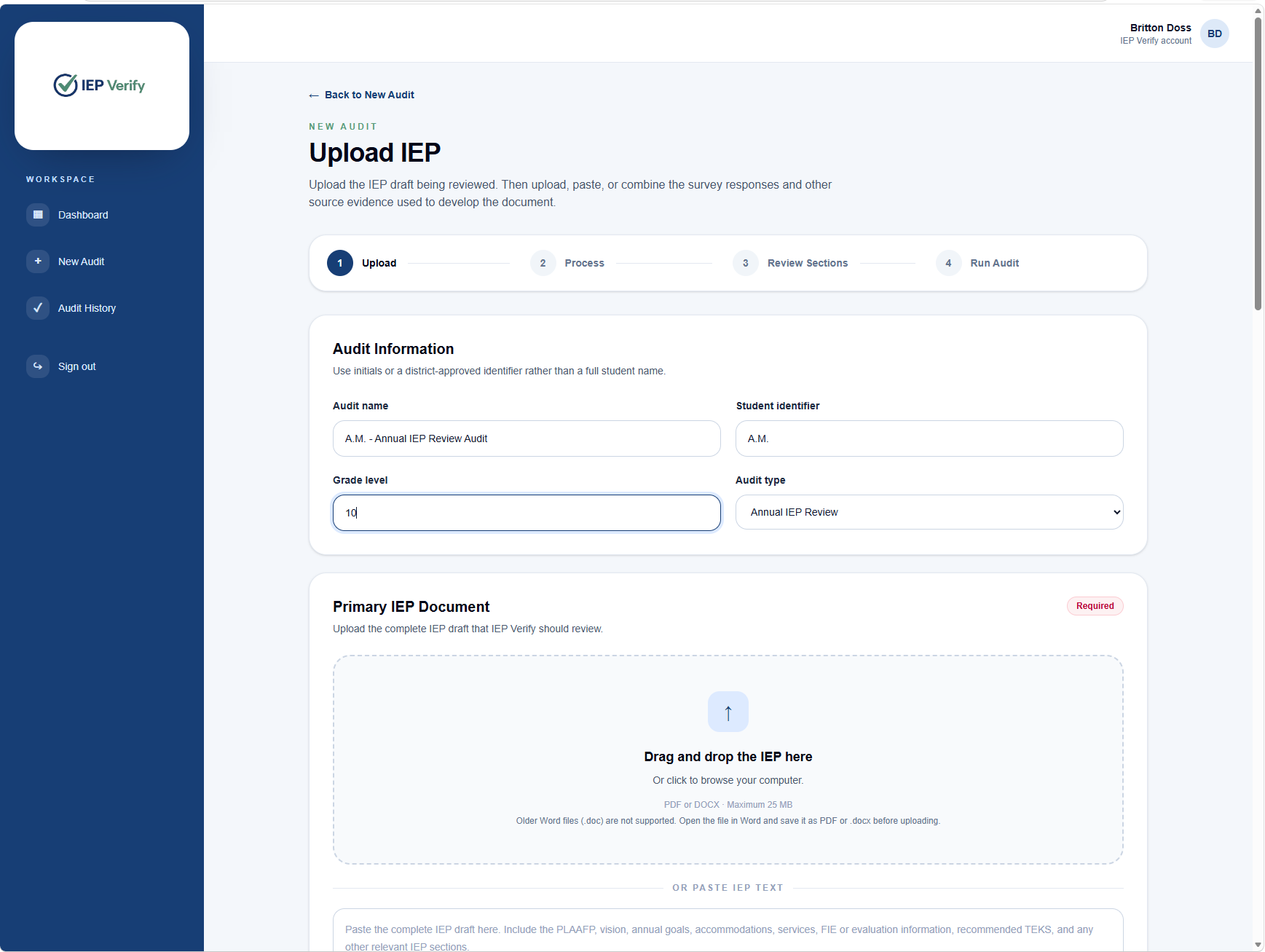
Primary Document
Add the IEP being reviewed
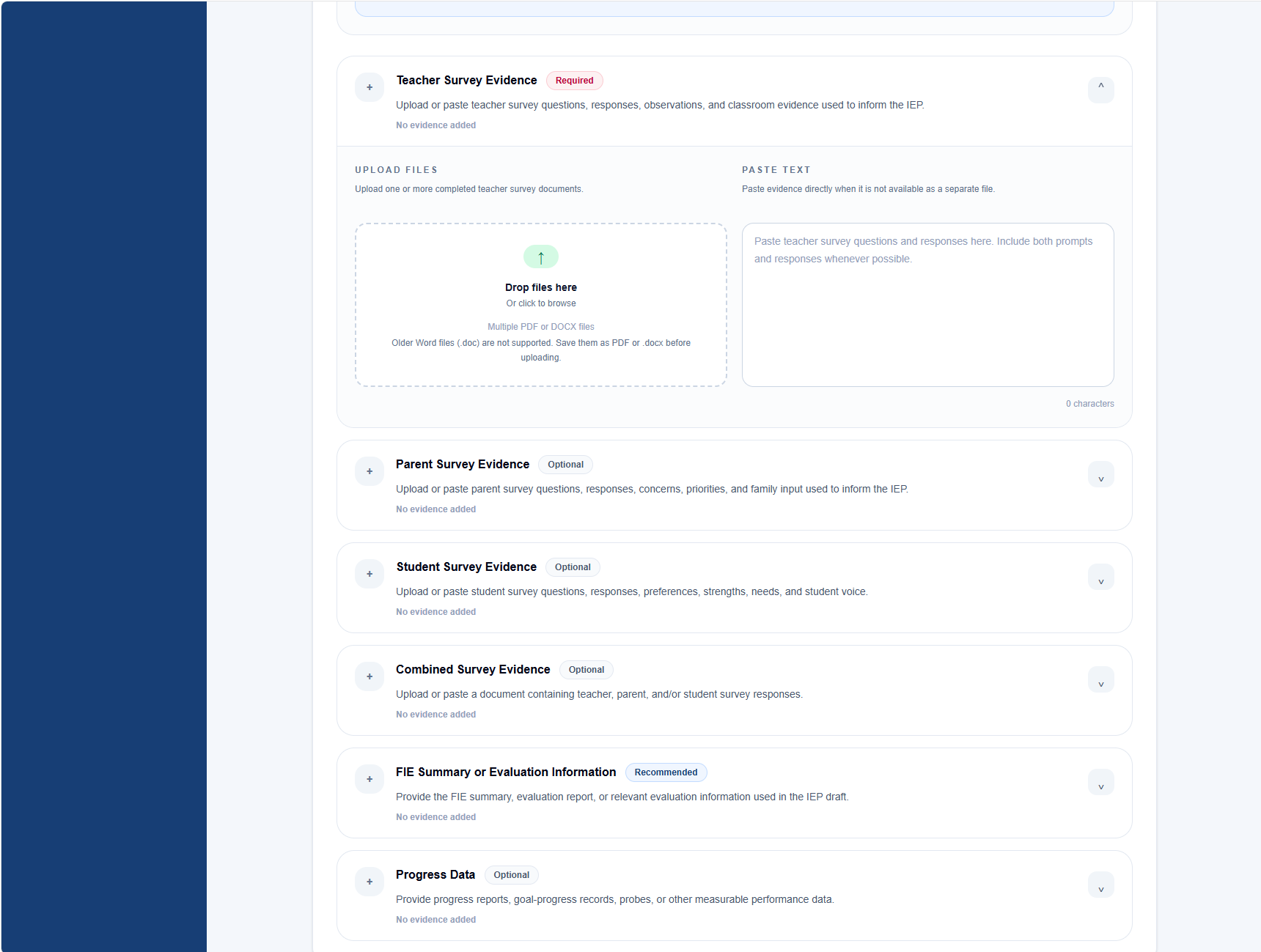
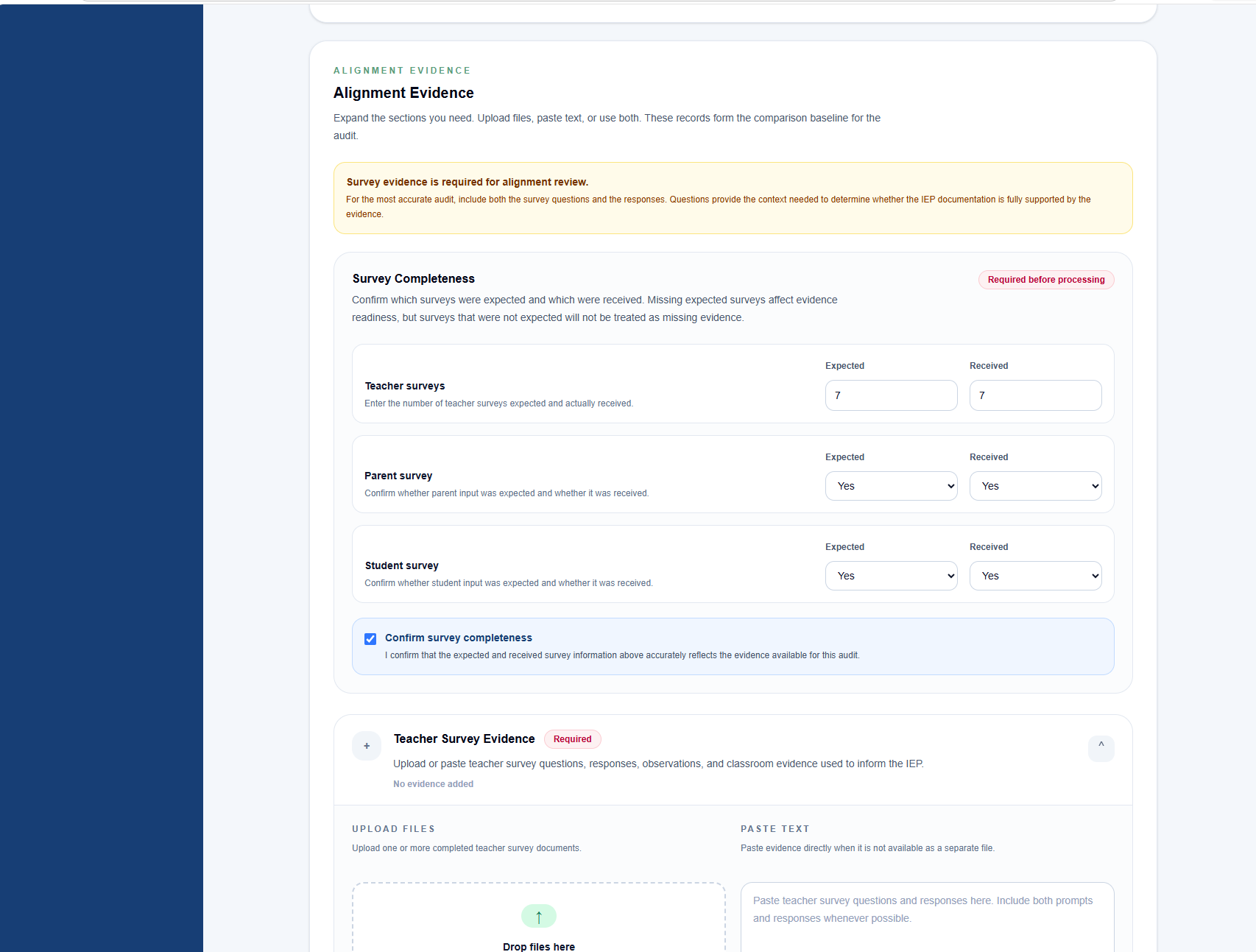
Alignment Evidence
Add supporting evidence
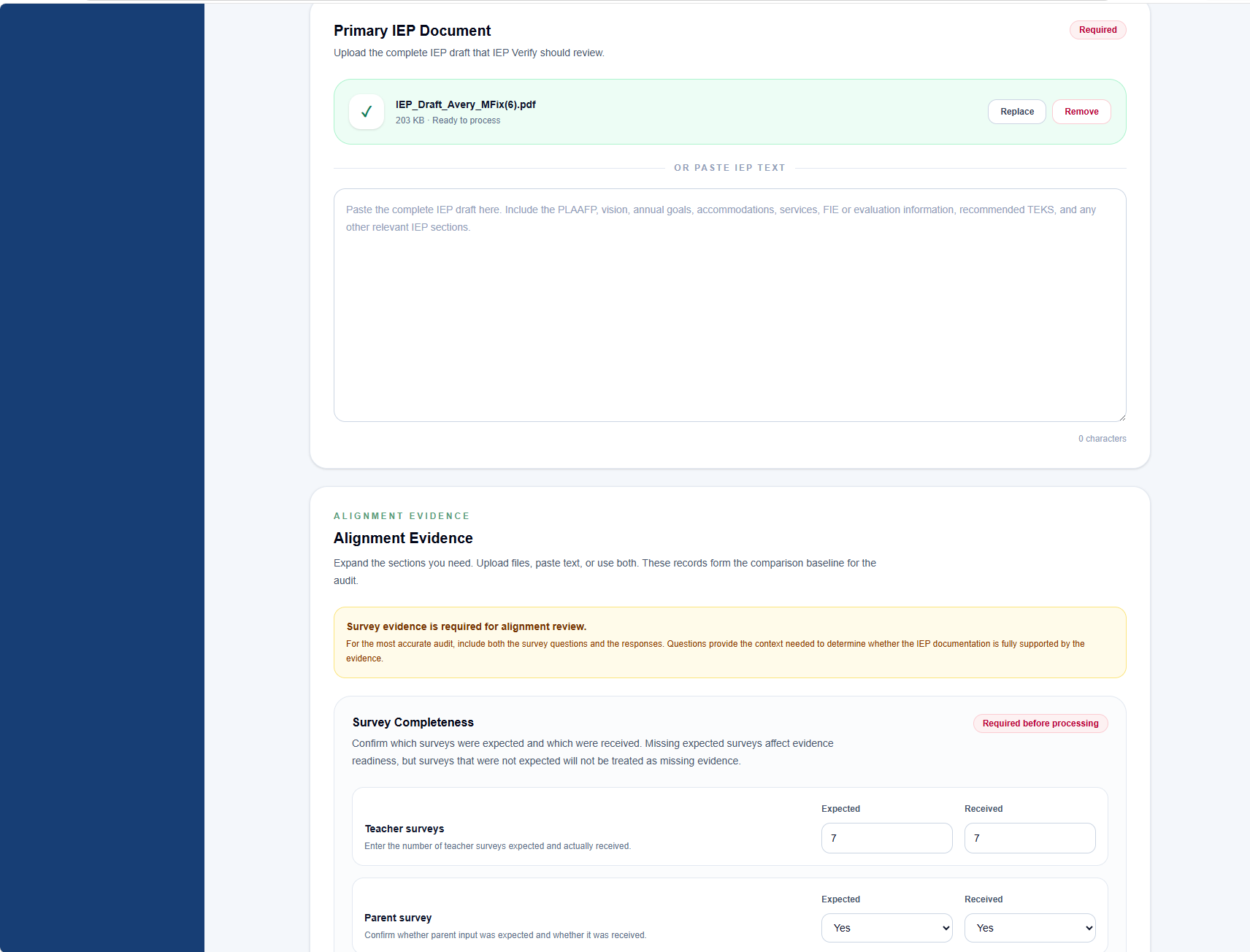
Required Before Processing
Confirm expected and received survey evidence
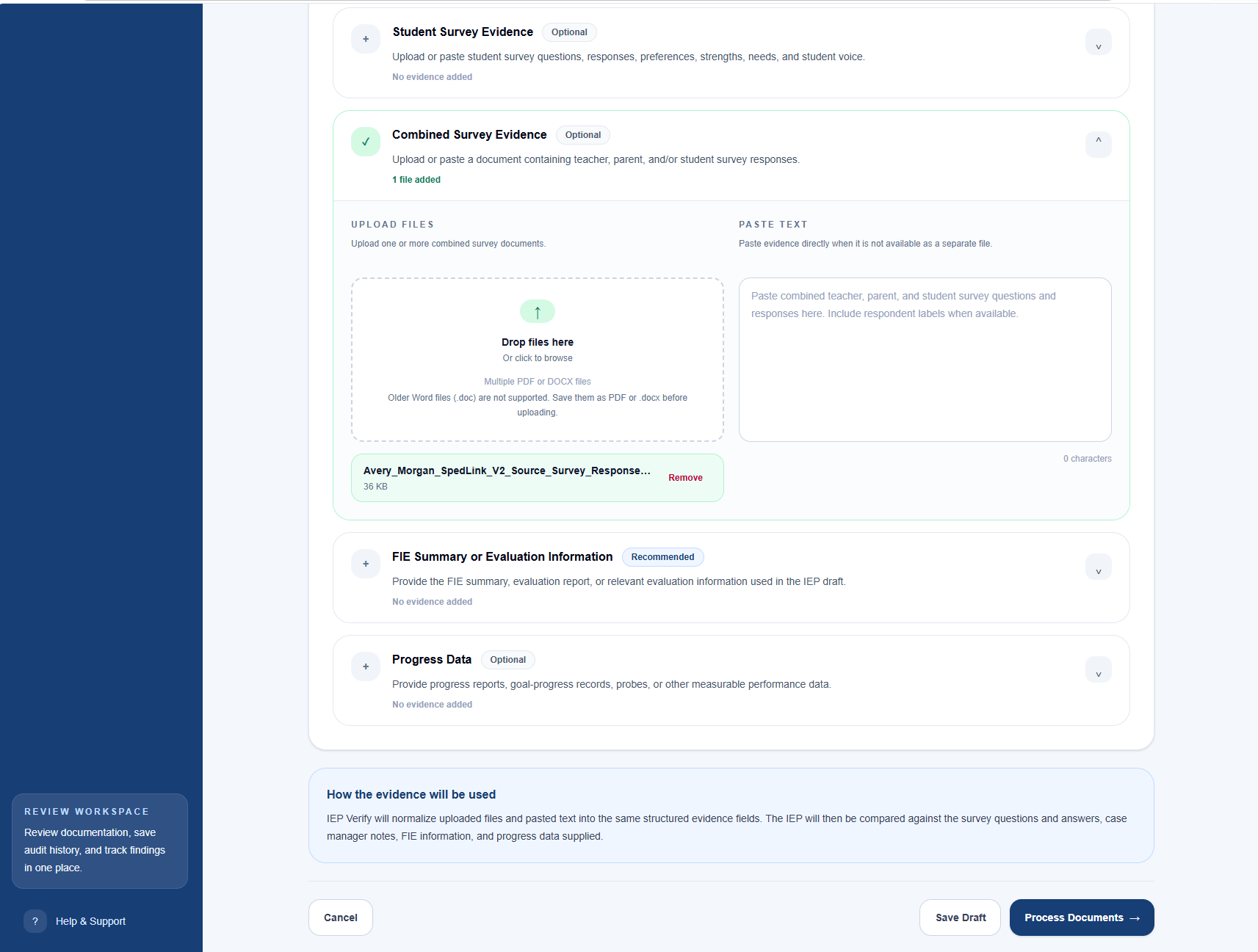
Save or Continue
Save your draft or process the documents
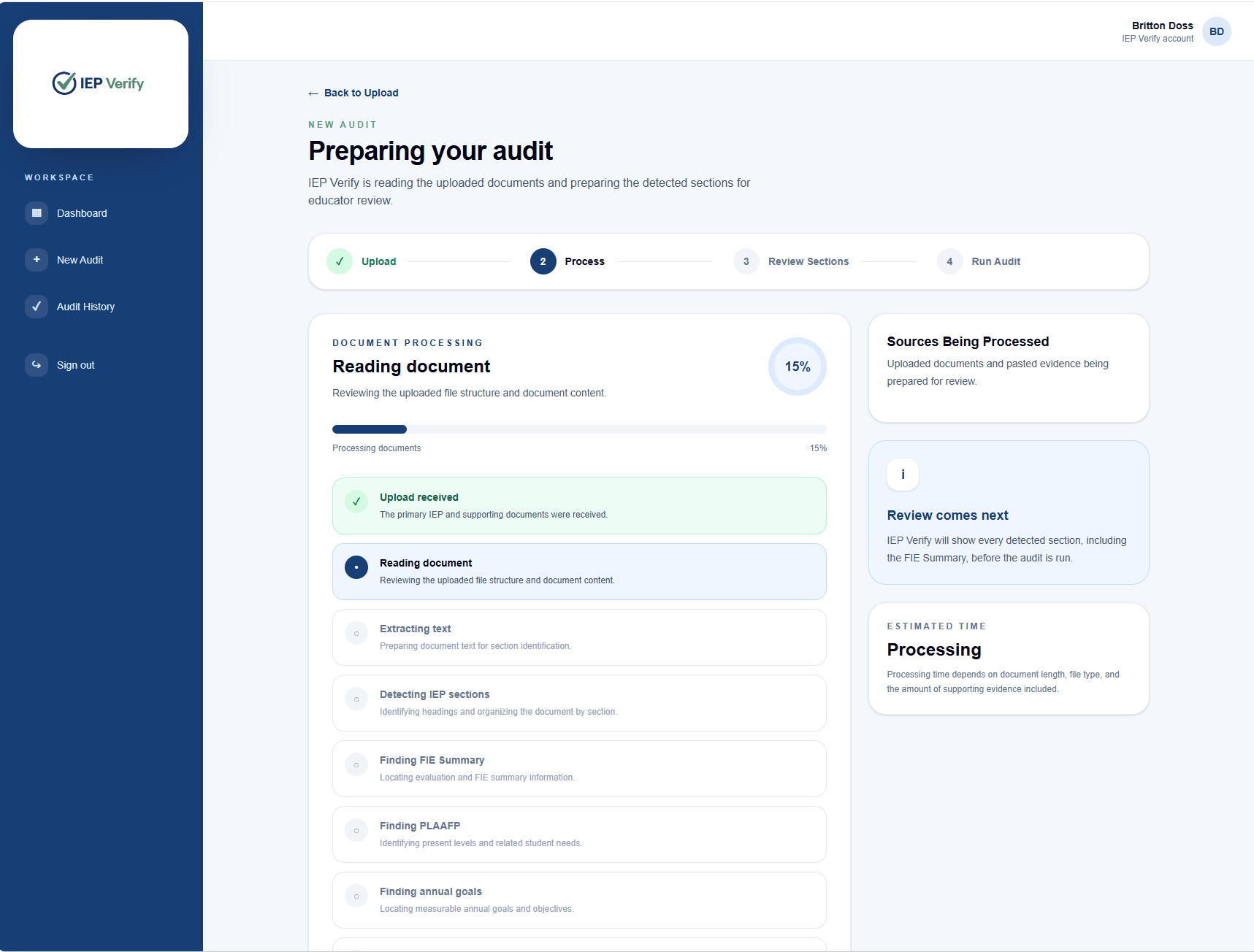
Document Processing
IEP Verify prepares the record
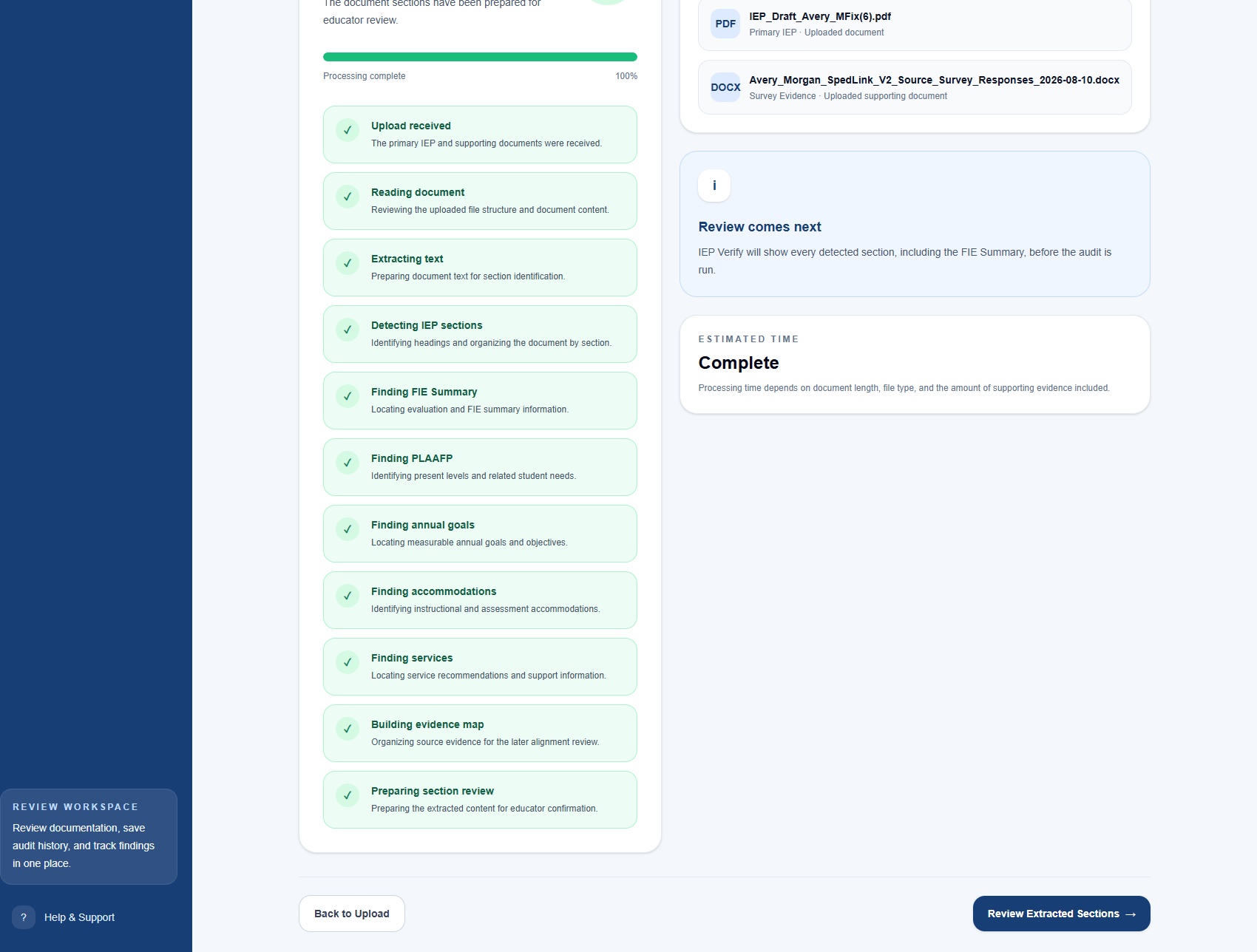
Educator Review
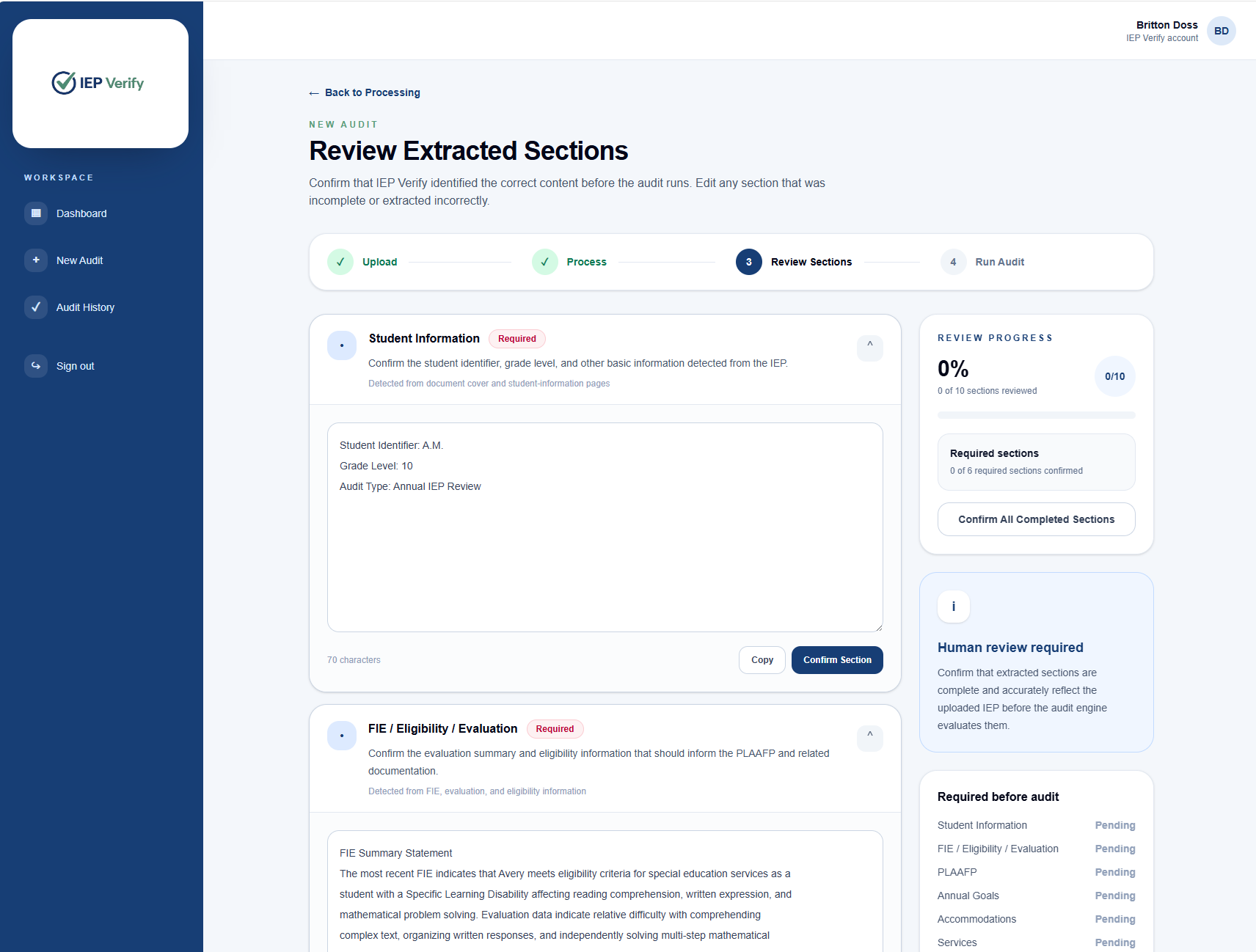
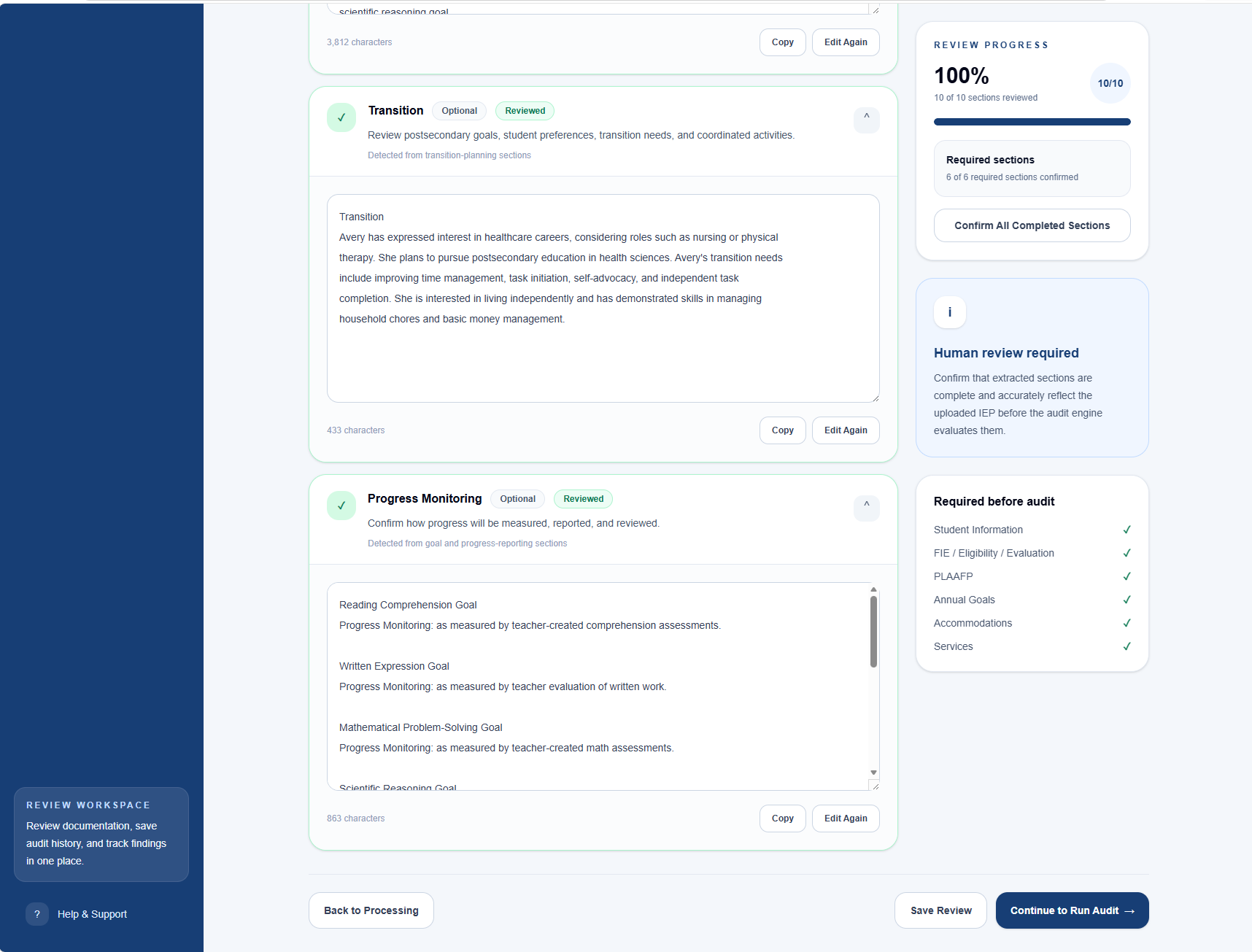
Review and confirm the extracted sections
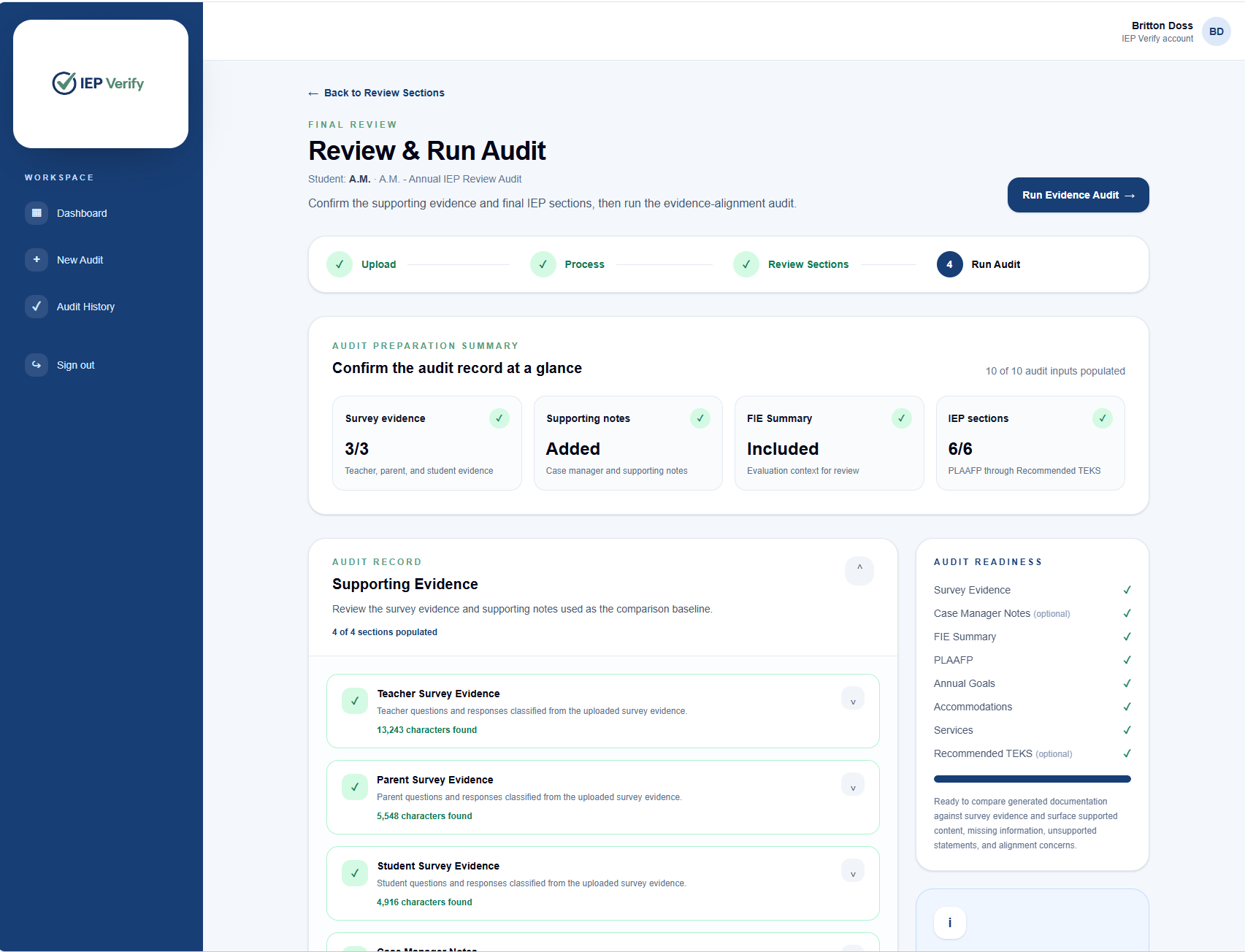
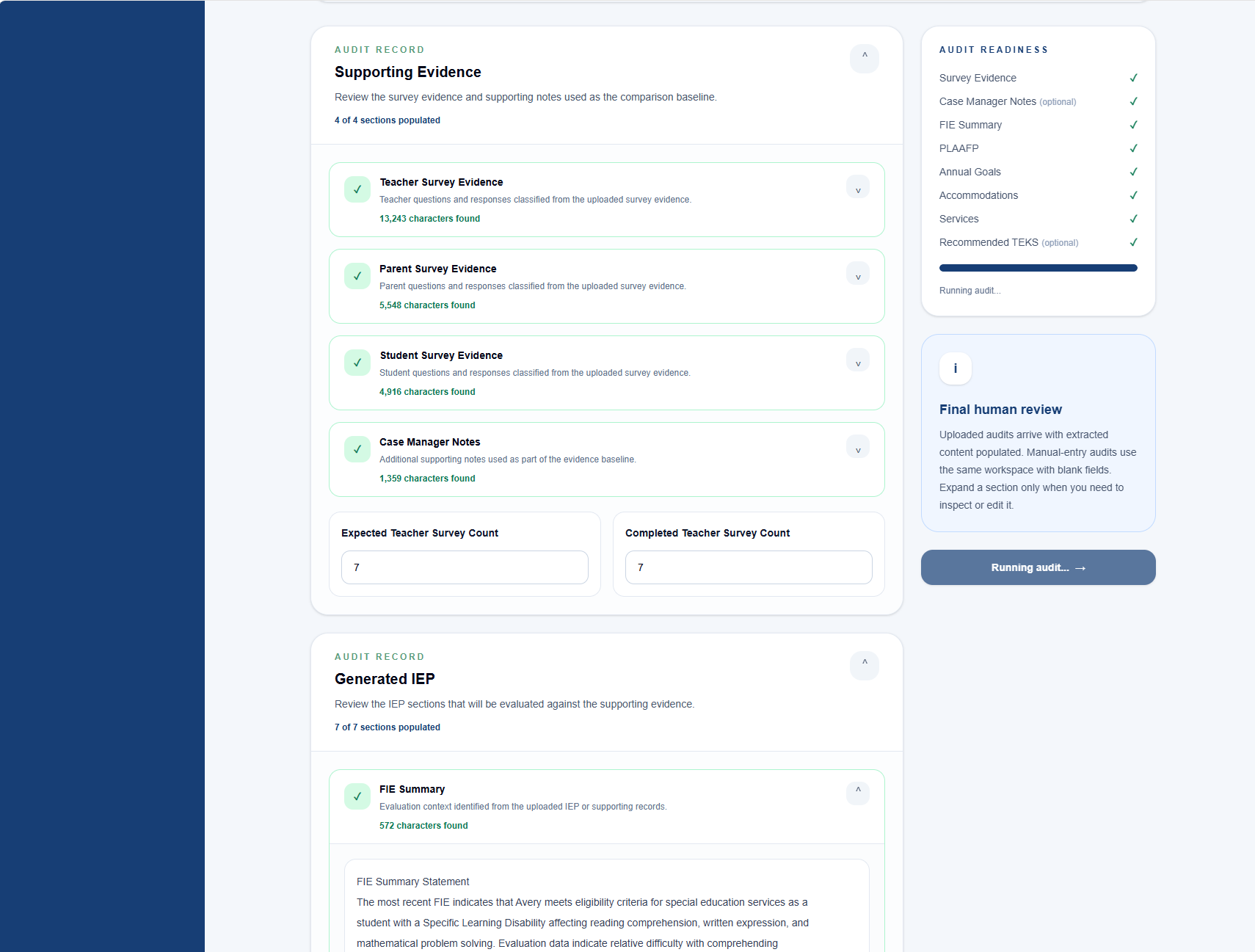
Final Review
Confirm the audit record and run the audit
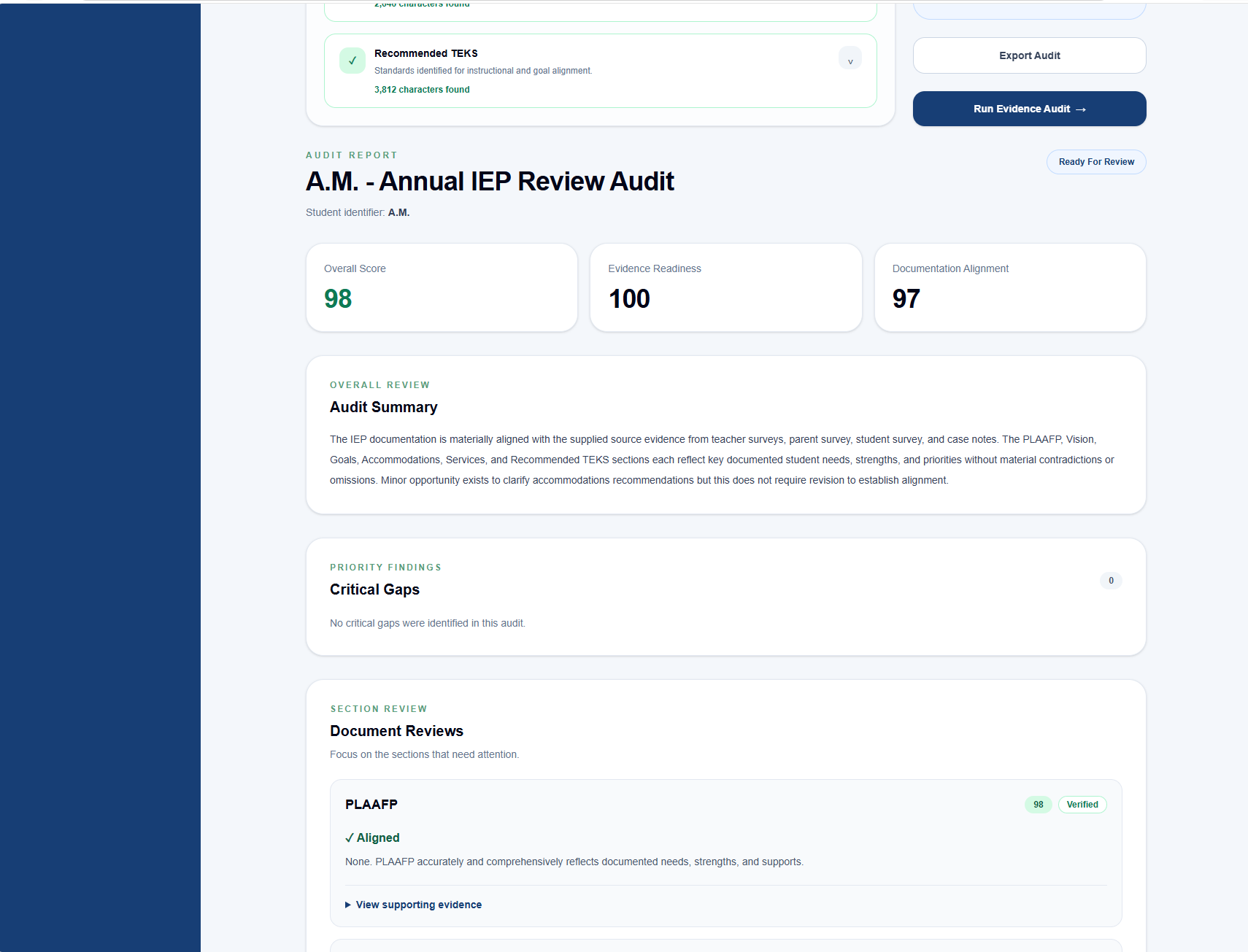
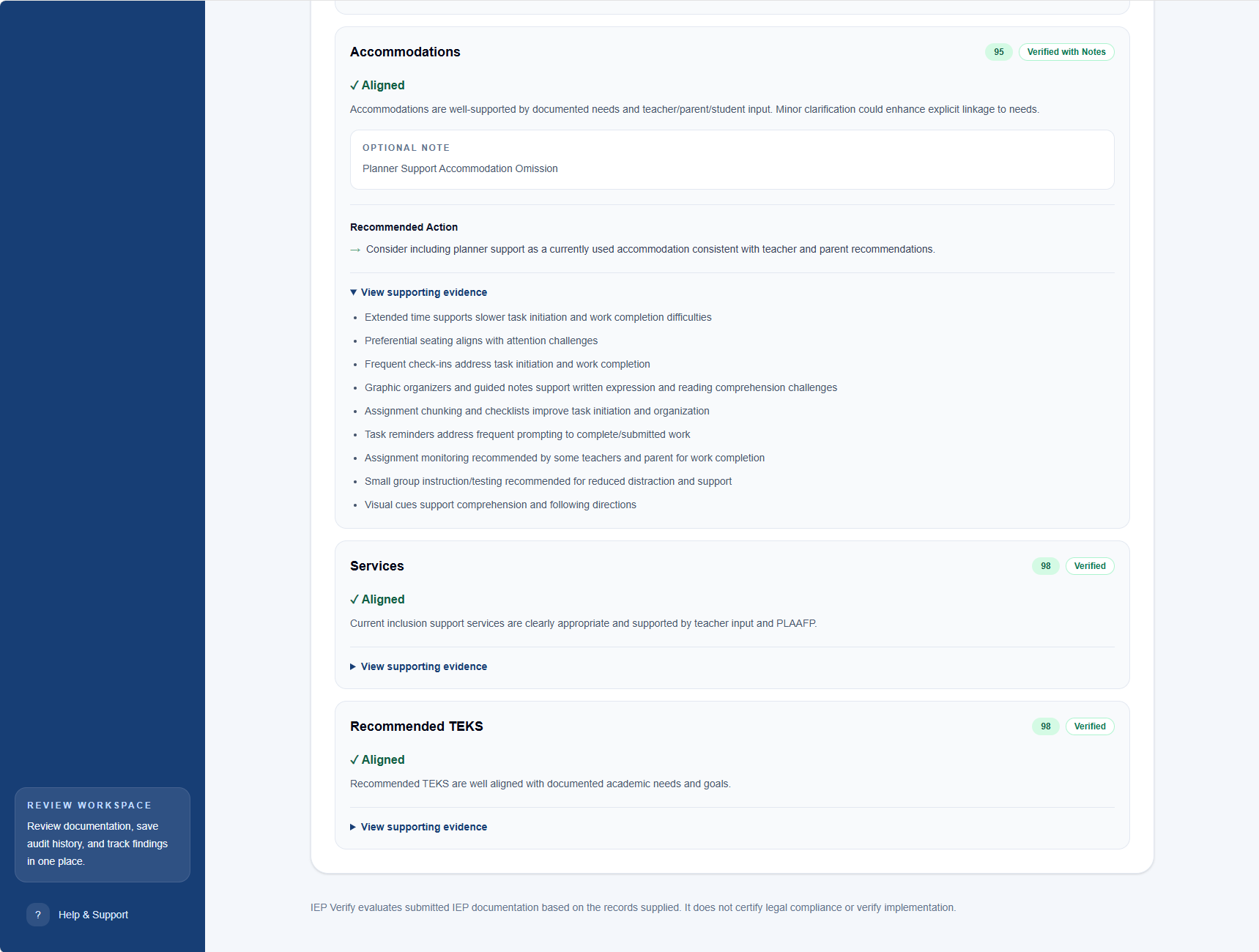
Audit Findings
Review the results
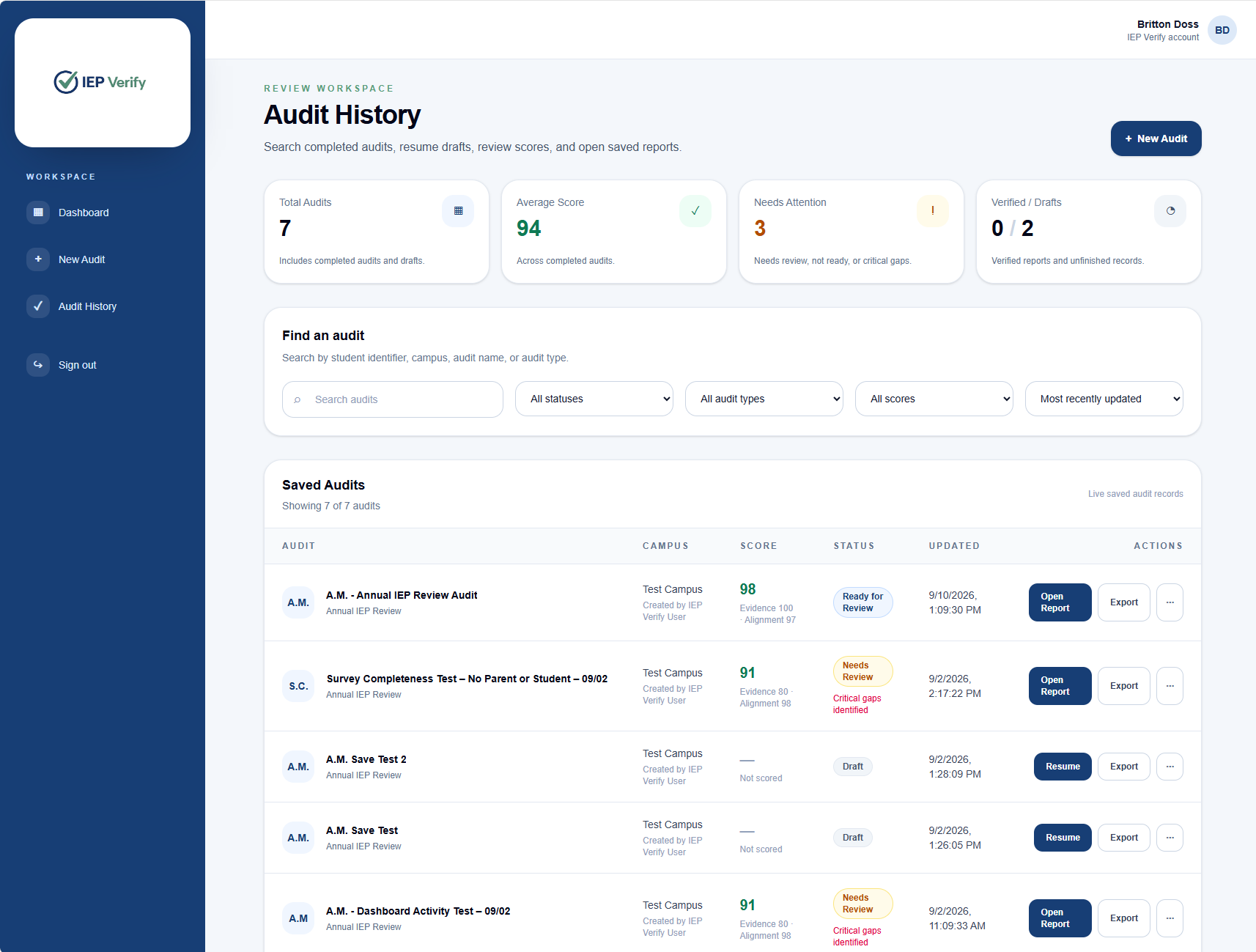
Saved Work
Export or return to Audit History
What IEP Verify Reviews
Evidence first. Alignment across the IEP.
IEP Verify evaluates whether the supplied evidence supports the documented needs and whether those needs carry through the PLAAFP, goals, accommodations, services, and instructional alignment. It also identifies material gaps, including missing expected survey evidence or missing IEP sections, and flags conflicts or unsupported documentation. Missing expected evidence also affects the confidence of the review.
Ready to Begin
Start your IEP documentation review.
Sign in to begin a new audit or return to your saved review workspace.
Log In to IEP Verify →IEP Verify supports professional documentation review. It does not replace educator judgment, certify legal compliance, or verify implementation.